A desk lamp should fade smoothly, not pulse like a weak signal. Yet a flicker can be subtle: a faint shimmer on the page, a brief flash when you touch the dimmer, or a phone camera showing dark bands. If you are asking, “why does my dimmable desk lamp keep flickering,” the cause may be a mismatch between the bulb and dimmer, a loose connection, or a failing power supply. The symptoms offer clues, but they do not prove the cause.
Lighting researcher Dr. Mariana Figueiro’s work highlights an important principle: light quality matters, not brightness alone. That is a paraphrase of her research, not a direct quotation about desk-lamp repairs. For this guide, we’ll use that principle to troubleshoot carefully. Start with the simple checks: confirm the bulb is labeled dimmable, reseat it after switching off and unplugging the lamp, and test another compatible bulb. If the lamp has a built-in LED driver, the bulb swap may not apply.
Small details matter. Does flickering begin only at low brightness? Does it stop when the lamp warms up? Note what changes. Don’t open a lamp or handle internal wiring unless you’re qualified; unplug it and stop using it if you notice heat, a burning smell, or damaged insulation. Some causes are easy to fix. Others need a technician.
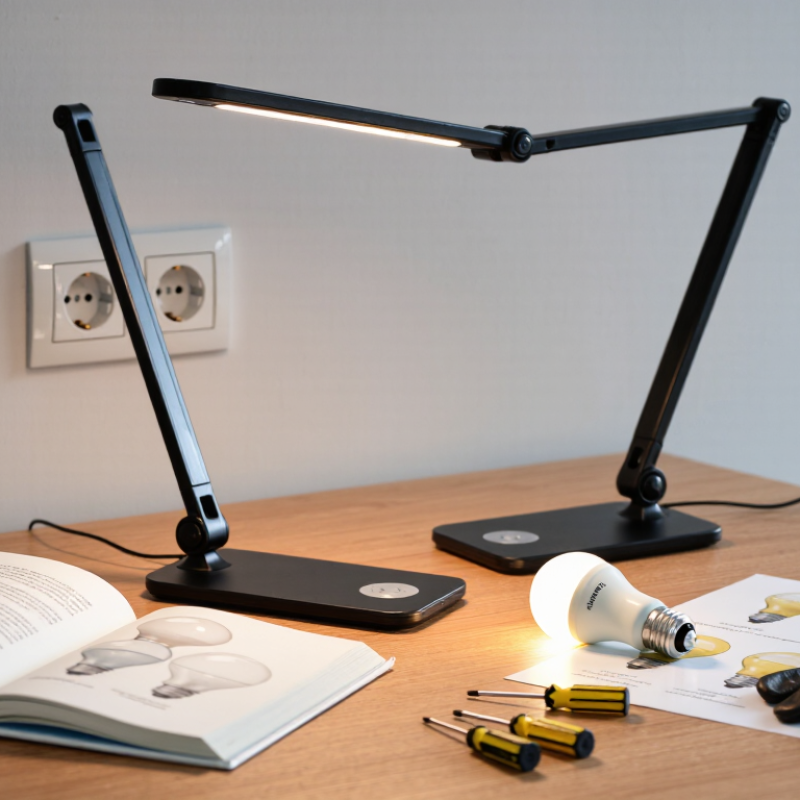
A dimmable desk lamp may flicker because its bulb is incompatible with the dimmer, the bulb is loose, or a connection is failing. Notice when it happens: only at low brightness, after warming up, or when the cord moves. Switch off and unplug the lamp before checking the bulb, plug, and cord. Try a known-compatible dimmable bulb, then test the lamp at full brightness and several lower settings. A bulb swap is useful, but it is not proof. IEEE Recommended Practice 1789-2015 describes frequency-dependent limits for modulating LED light; visible flicker alone cannot identify the fault or confirm that a lamp is safe.
Stop there. If the lamp smells burnt, feels unusually hot, crackles, or has a cracked plug, damaged insulation, or darkened socket, unplug it and stop using it. Do not open the lamp or handle wiring while it is connected. The U.S. National Fire Protection Association estimated an annual average of 32,620 home fires involving electrical distribution or lighting equipment during 2015–2019. That broad category does not mean a flickering desk lamp will cause a fire, but it supports treating heat and damaged wiring seriously. If the fault persists with a compatible bulb, have the lamp assessed by a qualified repair professional rather than repeatedly testing it.
| What You Notice | Possible Cause | Safe Check | Recommended Action | Safety Guidance |
|---|---|---|---|---|
| Flickering occurs only at the lowest brightness setting. | The dimmer and LED bulb may not be compatible, or the dimmer may have a minimum-load requirement. | Check the lamp and bulb documentation for dimmer compatibility. Raise the brightness to see whether the flicker stops. | Use a dimmable bulb specified as compatible with the lamp’s dimmer, or have the dimmer checked by a qualified electrician if it is a replaceable control. | Do not open or modify the dimmer while the lamp is connected to power. |
| The light flickers after the bulb was changed or moved. | The bulb may be loose, incorrectly seated, or unsuitable for the lamp. | Switch off and unplug the lamp. Let the bulb cool, then check that it is seated correctly and that its type and wattage meet the lamp’s instructions. | Reseat the bulb gently or replace it with a suitable dimmable bulb. | Never handle a hot bulb. Do not force a bulb into a socket. |
| Flickering changes when the lamp’s cord or plug is moved. | The cord, plug, or internal connection may be damaged or intermittent. | Unplug the lamp and inspect the visible cord and plug for cuts, crushed areas, bent pins, or discoloration. Do not flex a live cord to test it. | Stop using the lamp if damage is visible. Arrange repair by a qualified service professional or replace the lamp. | Do not tape over damaged wiring or attempt an unqualified repair. |
| The lamp flickers when other electrical devices switch on. | A problem with the outlet, circuit, or power supply may be affecting the lamp. | Unplug the lamp and, if it is undamaged, try it in a different suitable outlet. Note whether other lights or devices also flicker. | If flickering continues across outlets or affects other fixtures, contact a qualified electrician or the appropriate utility service. | Do not use an outlet that feels hot, is loose, or shows scorch marks. |
| Flickering continues at every brightness setting with a known-compatible bulb. | The lamp’s dimmer, driver, switch, or another internal component may be failing. | Unplug the lamp. Check for visible damage and consult the manufacturer’s care or service instructions. | Have the lamp assessed by a qualified repair professional, or replace it if repair is not practical. | Do not dismantle the lamp or touch internal electrical components. |
| Flickering is accompanied by buzzing, unusual heat, or a burning smell. | A potentially unsafe electrical fault, damaged component, or poor connection may be present. | If it is safe to do so, switch off and unplug the lamp without touching hot or damaged parts. | Do not use the lamp again until it has been inspected or replaced. | If there is smoke, sparking, or fire, keep away and contact emergency services. |
Safety first: Unplug the lamp before checking or changing a bulb. If the plug, cord, socket, or lamp shows damage, or if you notice sparks, a burning smell, or excessive heat, stop using it. Electrical repairs should be performed by a qualified professional.
Common causes include a loose bulb, a worn socket, an aging dimmer, or an unstable outlet connection. The cause is not always obvious.
Unplug the lamp and let the bulb cool. Then gently tighten it and check for visible damage.
It might, if the old bulb is loose or incompatible. Choose a dimmable bulb suited to the lamp, and check its maximum wattage.
The bulb and dimmer may not work well together at low settings. Check both labels for matching dimming support.
Stop if you notice dark marks, cracked insulation, a warm cord, buzzing, a burning smell, or repeated sparking. Don’t keep testing it.
No. Do not open the plug, dimmer, or internal wiring. A qualified repair professional can inspect and replace faulty parts.
Unplug the lamp and try it at a different outlet. If flickering continues, the lamp may need professional inspection.
No. A loose socket, faulty switch, or damaged wiring can also cause flicker. Guessing can miss the real problem.
A flickering dimmable desk lamp can have several causes, so start by checking for safety concerns. Turn the lamp off and unplug it before inspecting it. Look for visible damage, unusual heat, or a burning smell; if you notice any of these, stop using the lamp and seek qualified help. If it appears safe, confirm that the bulb is the correct type and wattage and is specifically compatible with dimming. A bulb designed for standard on/off use may flicker when connected to a dimmer.
Next, check that the bulb is seated securely and inspect the socket, plug, and power connection for looseness or damage. Try adjusting the dimmer, since some lamps flicker at very low brightness settings. If the problem continues, testing with a compatible bulb may help identify the cause. Replace only components that are safe and suitable for the lamp, and consult a professional if flickering persists. These steps can help answer “why does my dimmable desk lamp keep flickering” without overlooking a possible electrical fault.

 Quack Lamp