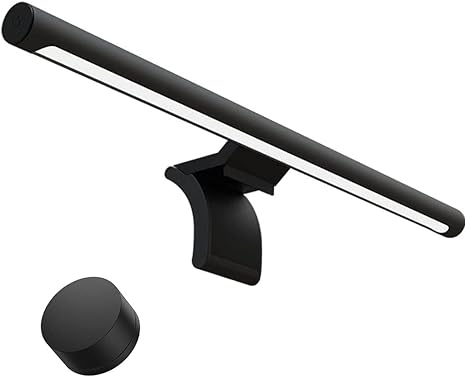
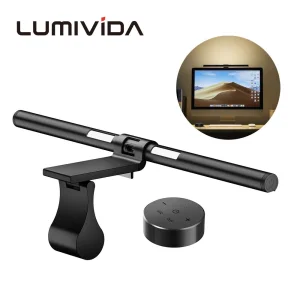
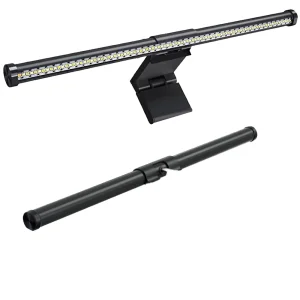
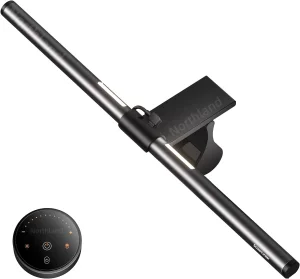
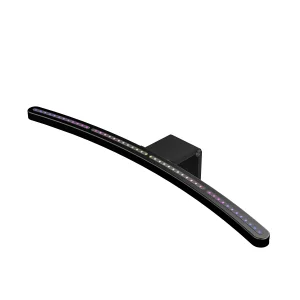
MIJIA Smart Display Computer Monitor Light Bar 1S Features
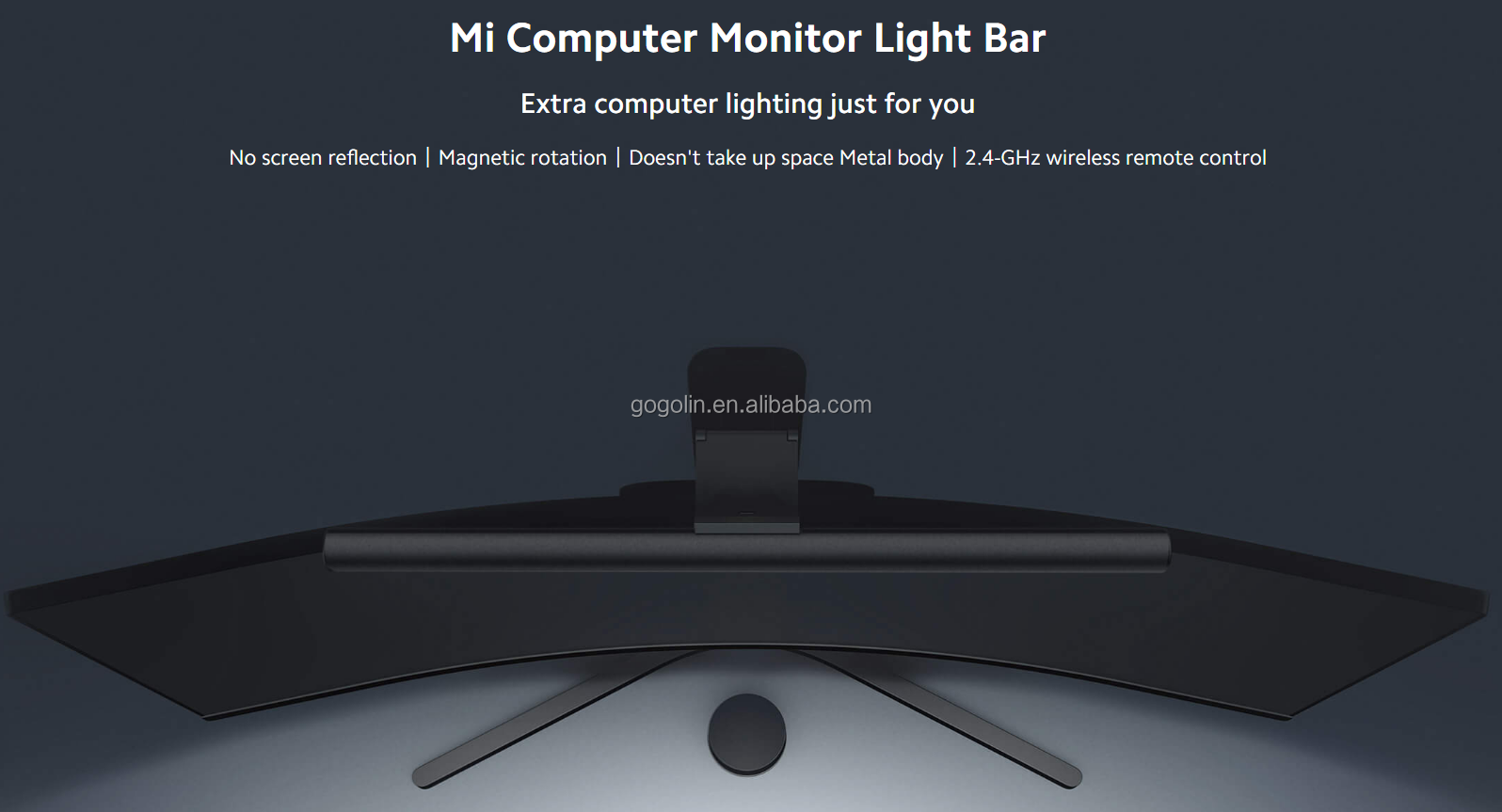
Extra computer lighting just for you
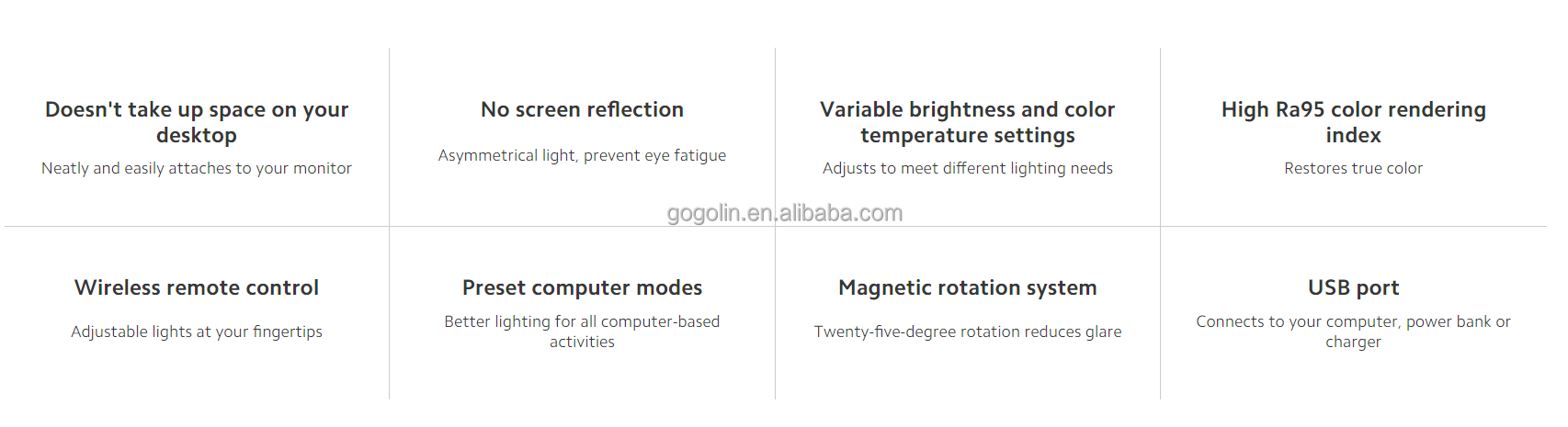
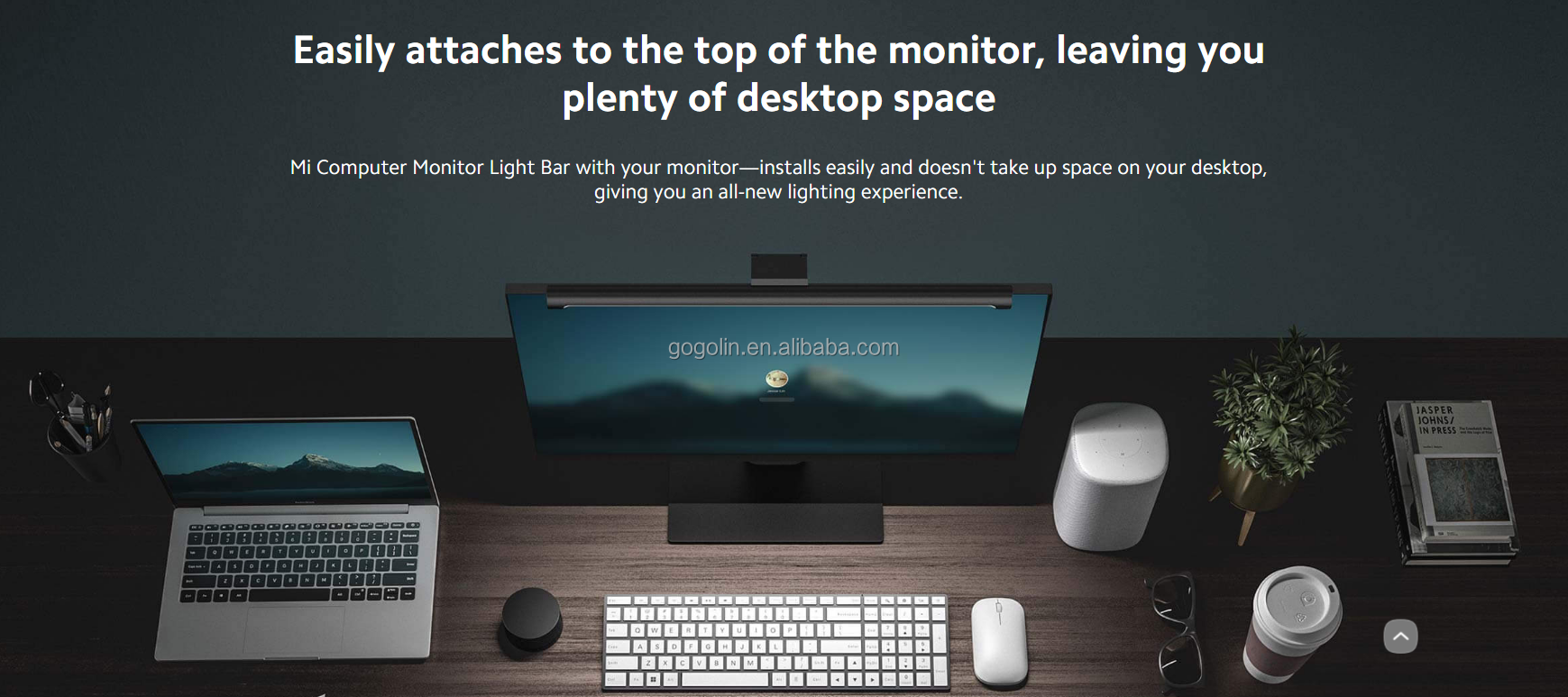
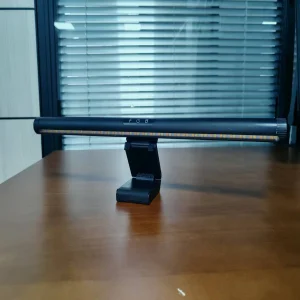
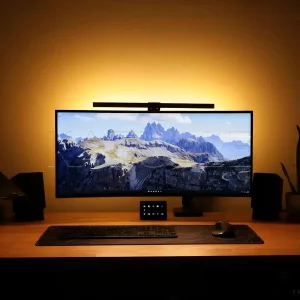
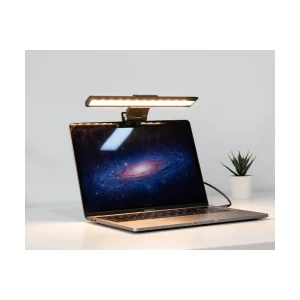
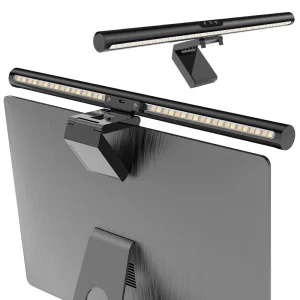
Doesn't take up space on your desktop, neatly and easily attaches to your monitor
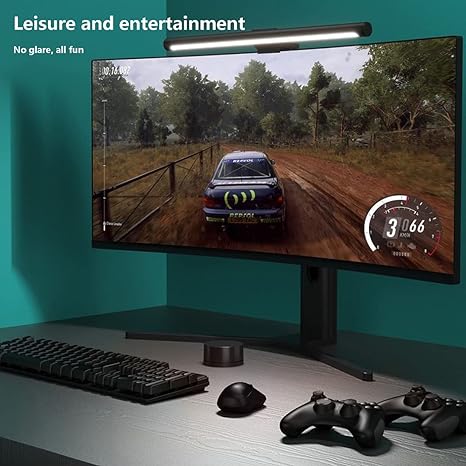
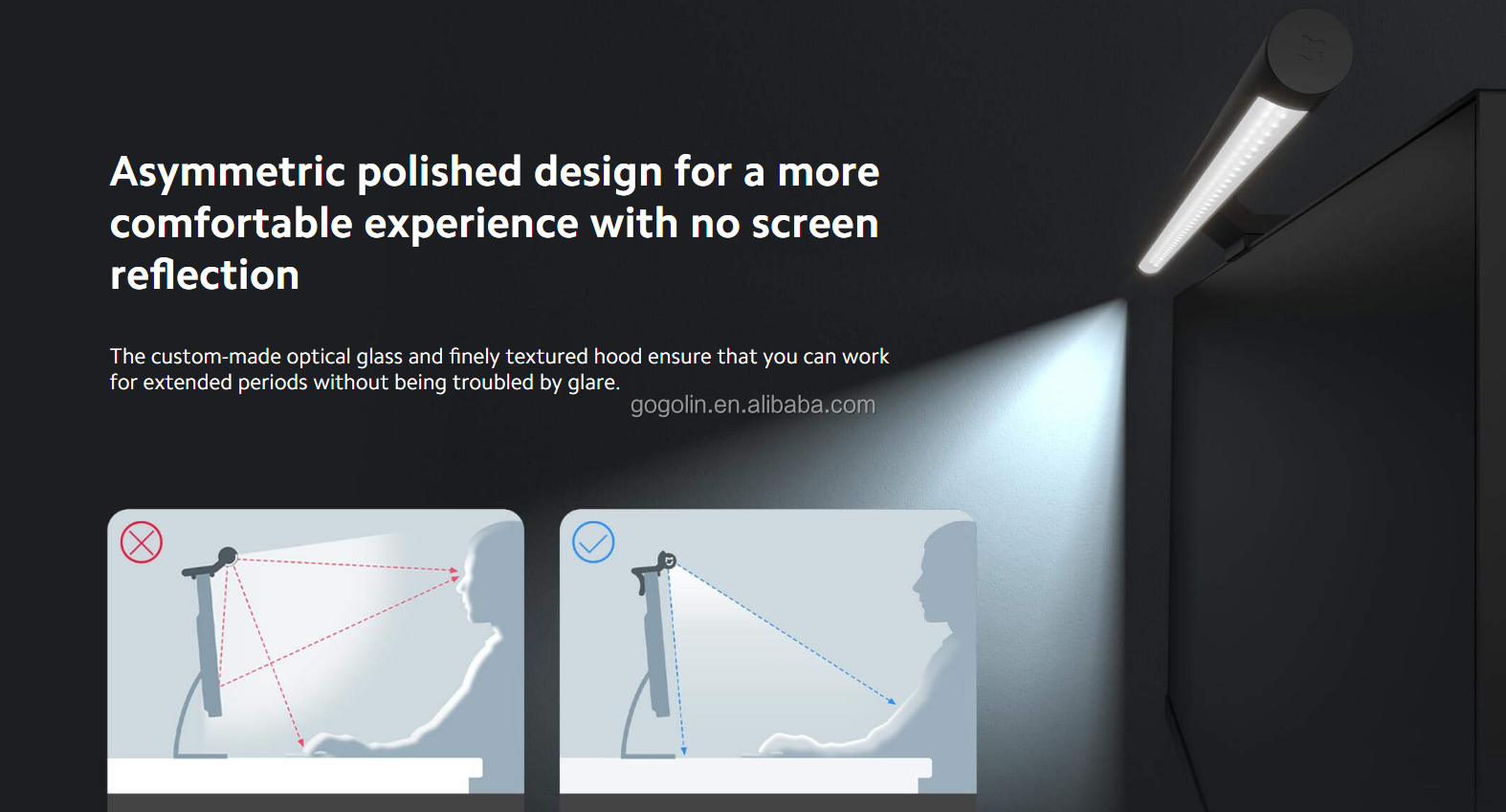
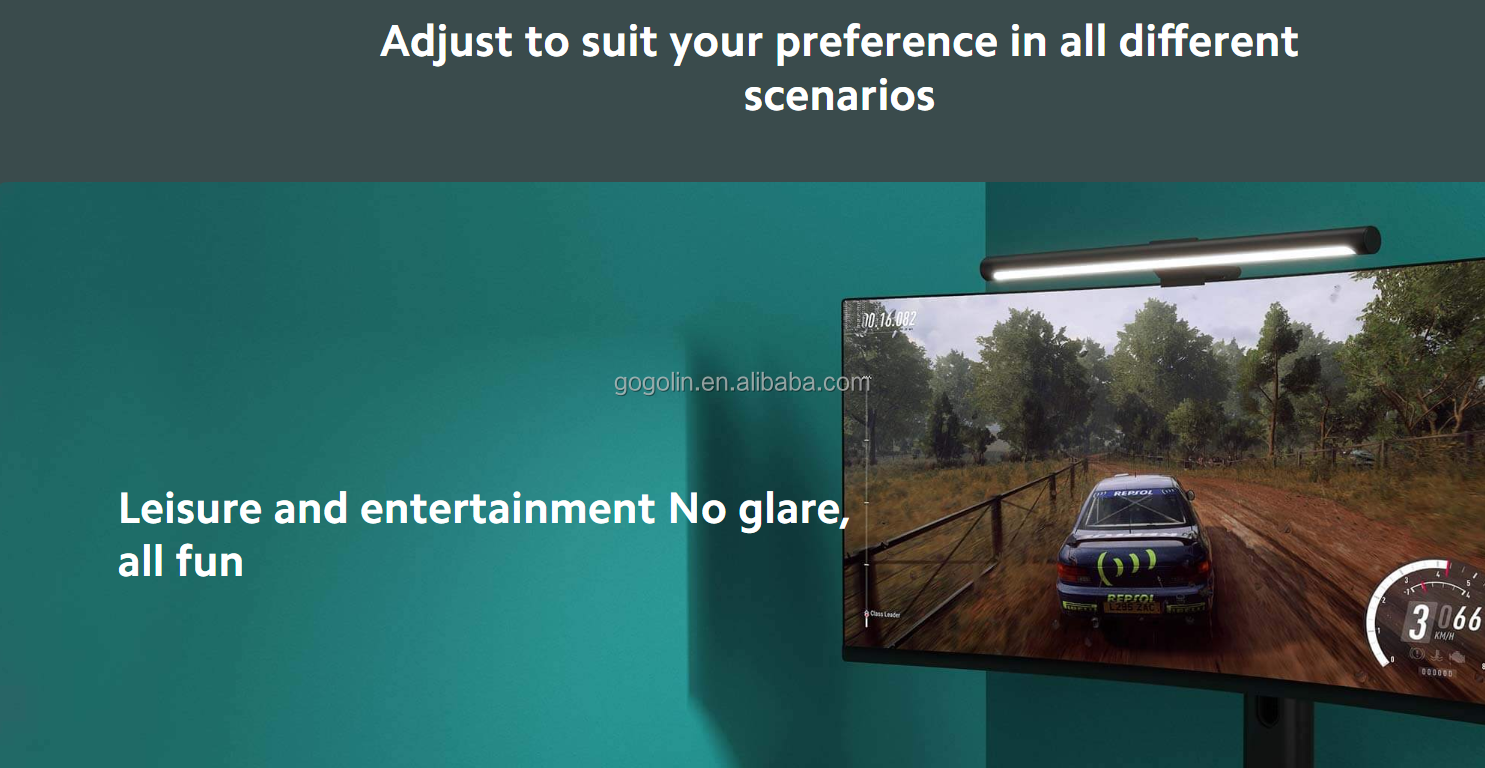
No screen reflection, asymmetrical light prevents eye fatigue
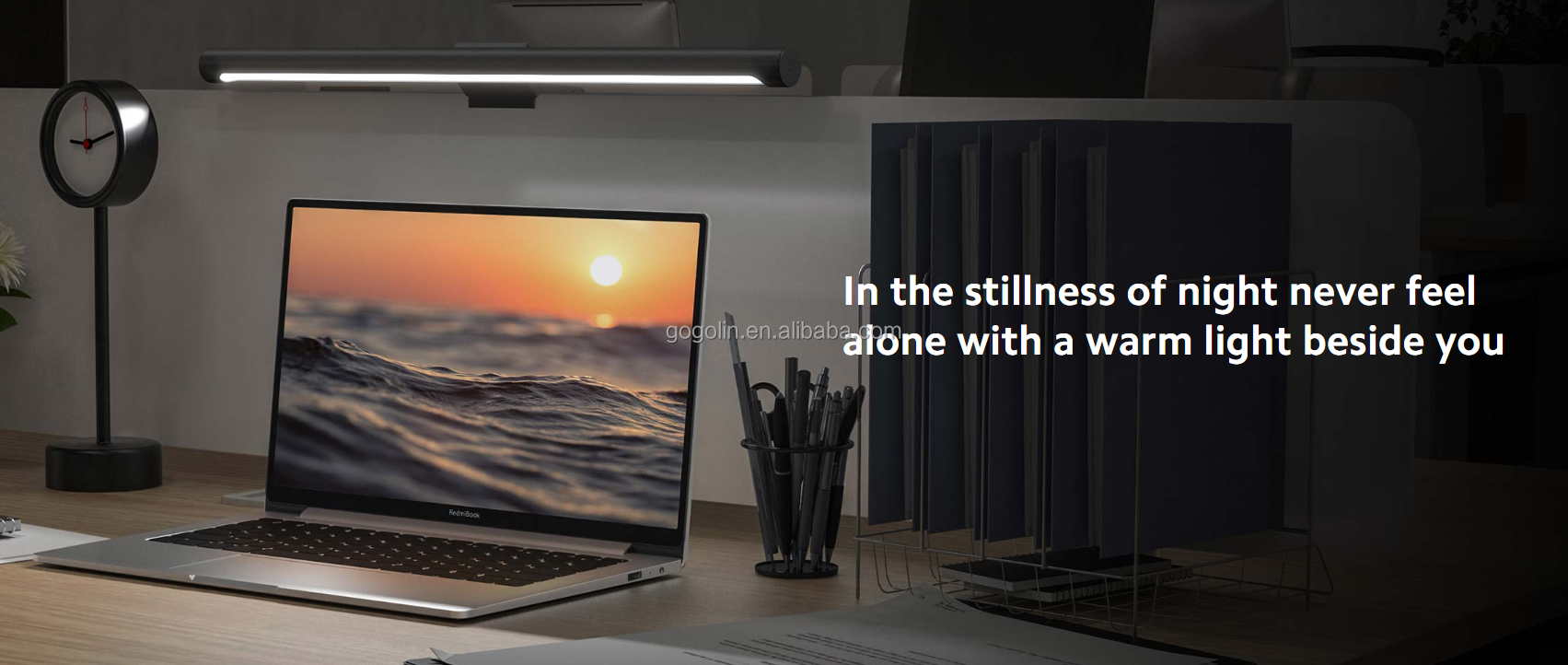
Variable brightness and colour temperature settings to meet different lighting needs
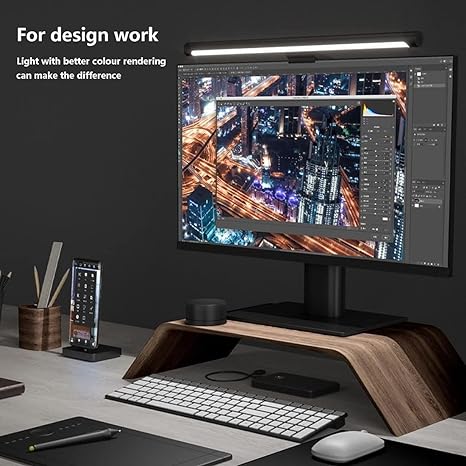
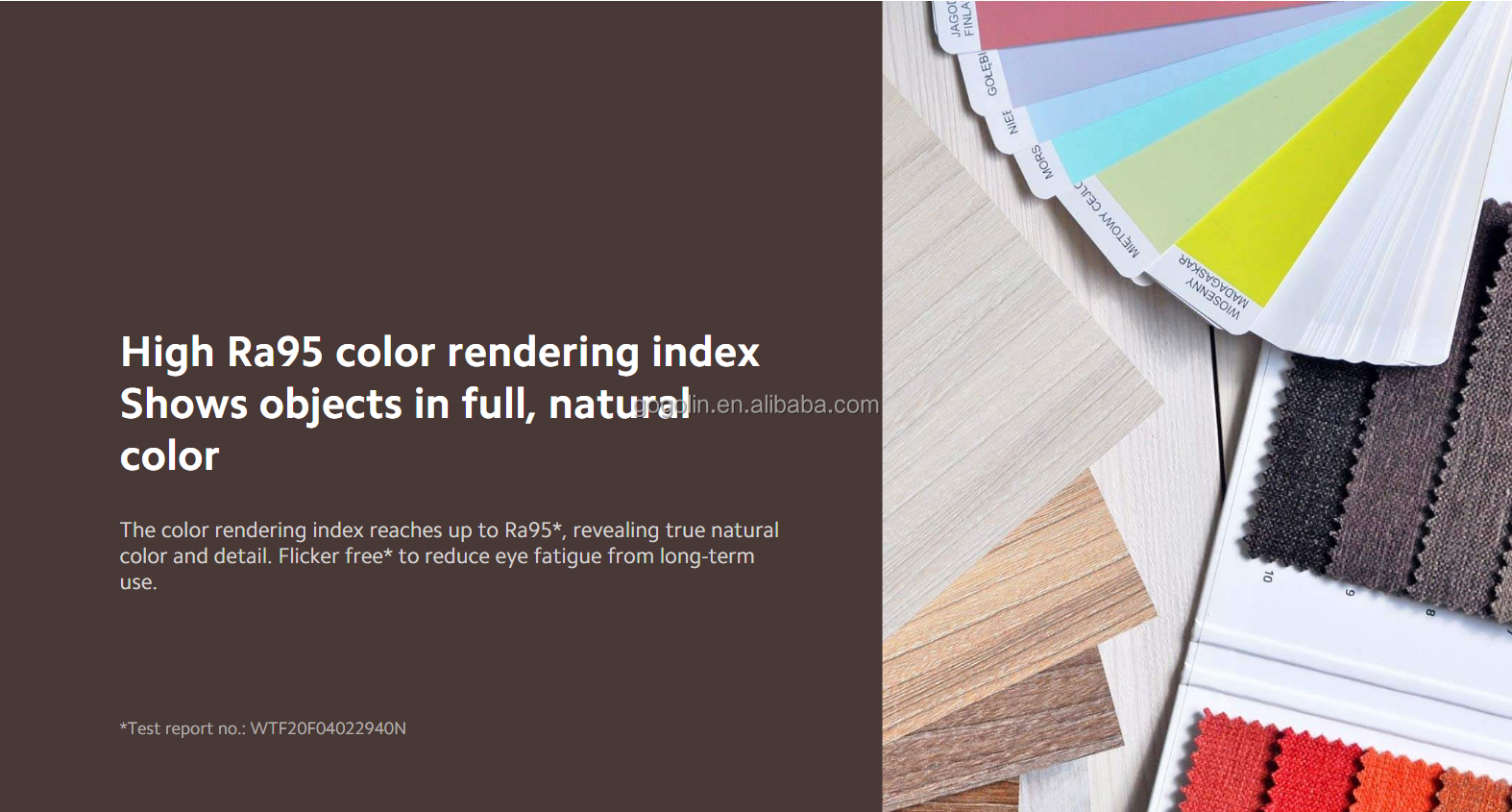
High Ra95 colour rendering index restores true colour
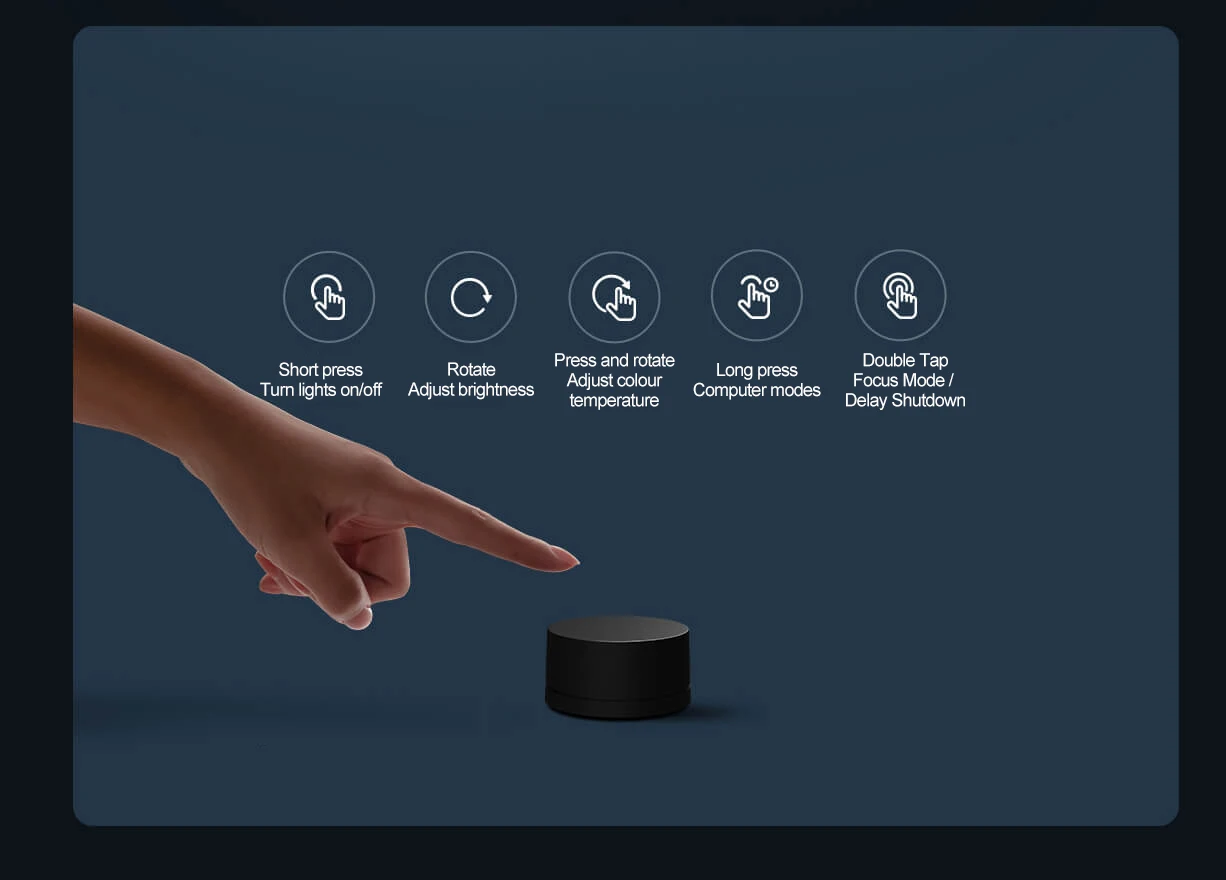
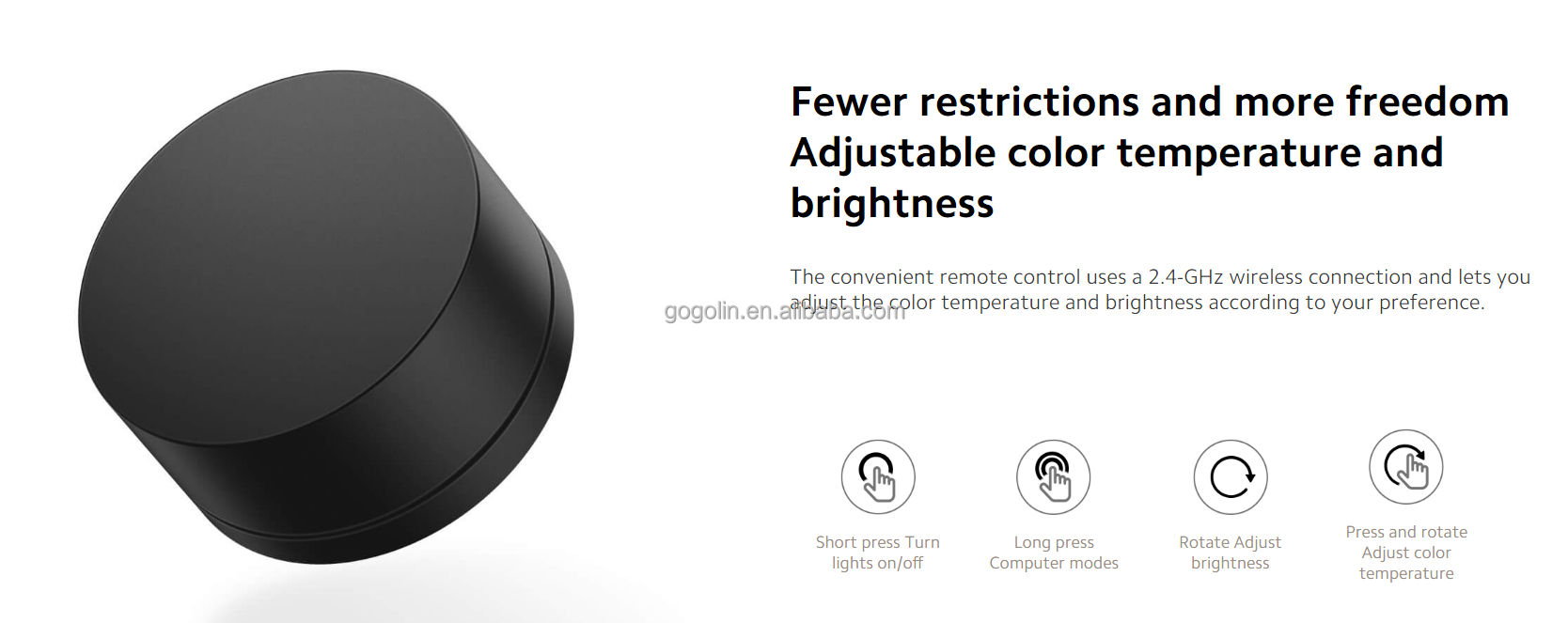
Wireless remote control with adjustable lights at your fingertips
Preset computer modes for better lighting for all computer-based activities
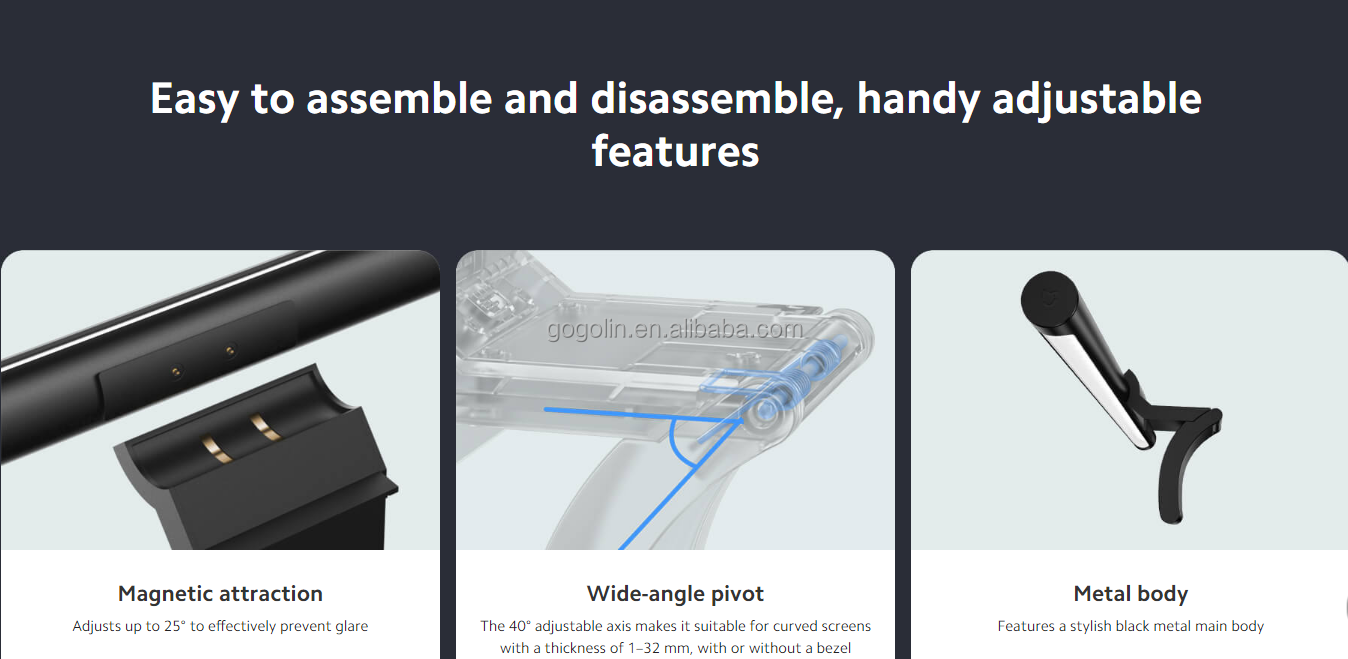
Magnetic rotation system with twenty-five-degree rotation to reduce glare
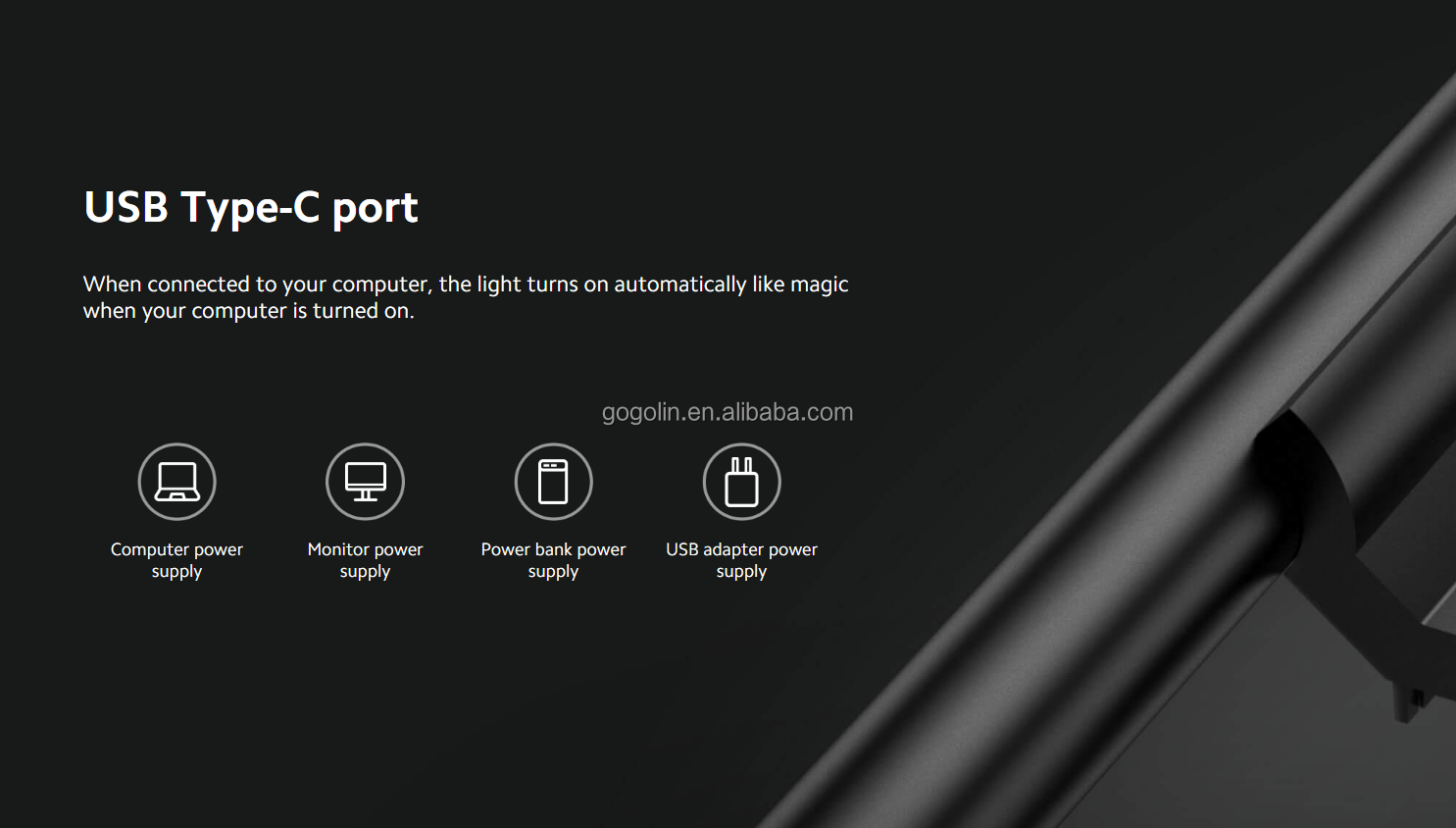
Type-C USB port connects to your computer, power bank or charger
Recommended to use a CCC-certified 5V==2A adapter
Operation & Technical Details
Control/Feature
Description
Short press
Turn lights on/off
Rotate
Adjust brightness
Press and rotate
Adjust colour temperature
Long press
Computer modes
Double Tap
Focus Mode / Delay Shutdown
Magnetic attraction
Adjusts up to 25° to effectively prevent glare
Wide-angle pivot
The 40° adjustable axis makes it suitable for curved screens with a thickness of 1–32 mm, with or without a bezel
Metal body
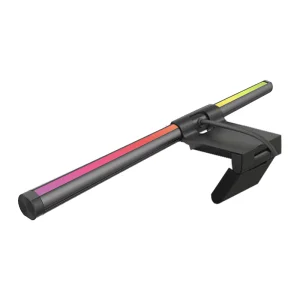
Features a stylish black metal main body
Product Images
Frequently Asked Questions
What kind of power adapter should I use with the Monitor Light Bar 1S?
It is highly recommended to use a CCC-certified 5V==2A adapter to ensure stable and optimal performance of the light bar.
How does the asymmetrical optical design benefit my eyes?
The asymmetrical light path only projects light onto your desktop area, preventing reflection on the computer screen and reducing eye fatigue.
Is the light bar compatible with curved computer screens?
Yes. Equipped with a 40° adjustable wide-angle pivot, it is designed to fit curved screens with a thickness ranging between 1mm and 32mm, with or without a bezel.
How do I adjust the color temperature and brightness?
Both functions are controlled via the wireless remote control. Simply rotate the dial to adjust the brightness level, and press down while rotating to adjust the color temperature.
What operations can be performed using the remote controller?
You can use a short press to turn the light on/off, rotate for brightness adjustments, press & rotate for color temperature, long press for computer modes, and double tap to activate Focus Mode or Delay Shutdown.
What is the color rendering index (CRI) of this monitor light?
It features a high Ra95 color rendering index, which restores accurate, natural colors and reduces glare and eye strain.
 Quack Lamp